
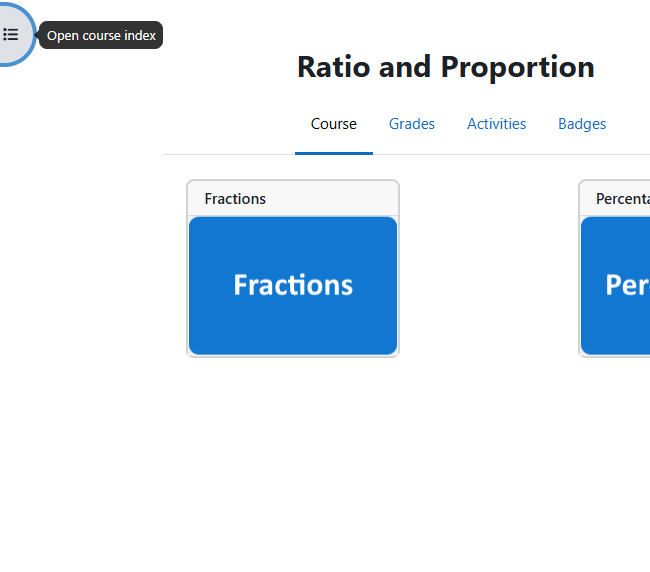
When you first open any course page you will see that the name of the course is at the top of the page. This means it is very easy to see exactly where you are on the site.
And further down the page you will see the main topic grid.

You can also find the topic included on the course by using the menu on the left.
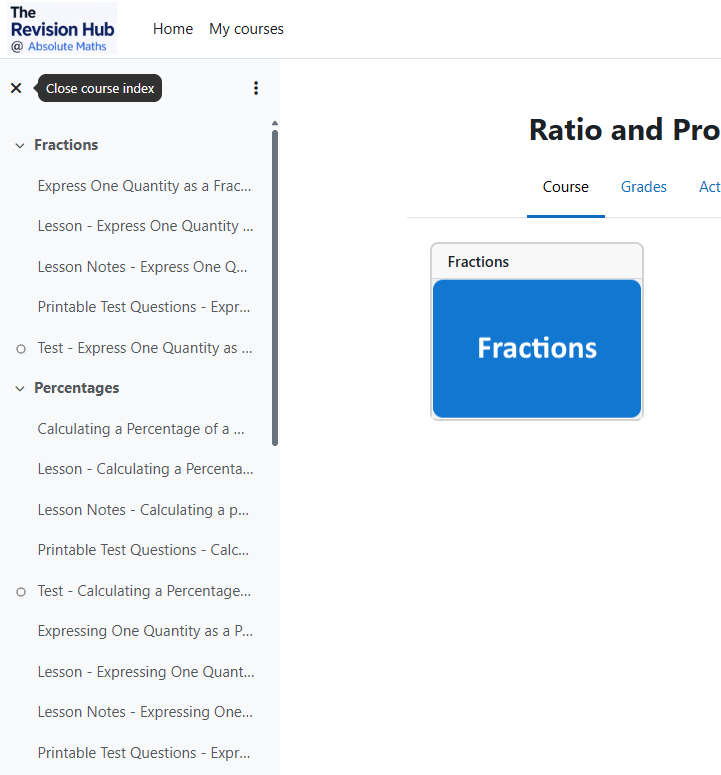
This is where you will normally access each individual part of the course.
The topic titles are usually self explanatory and open up a new window as below.
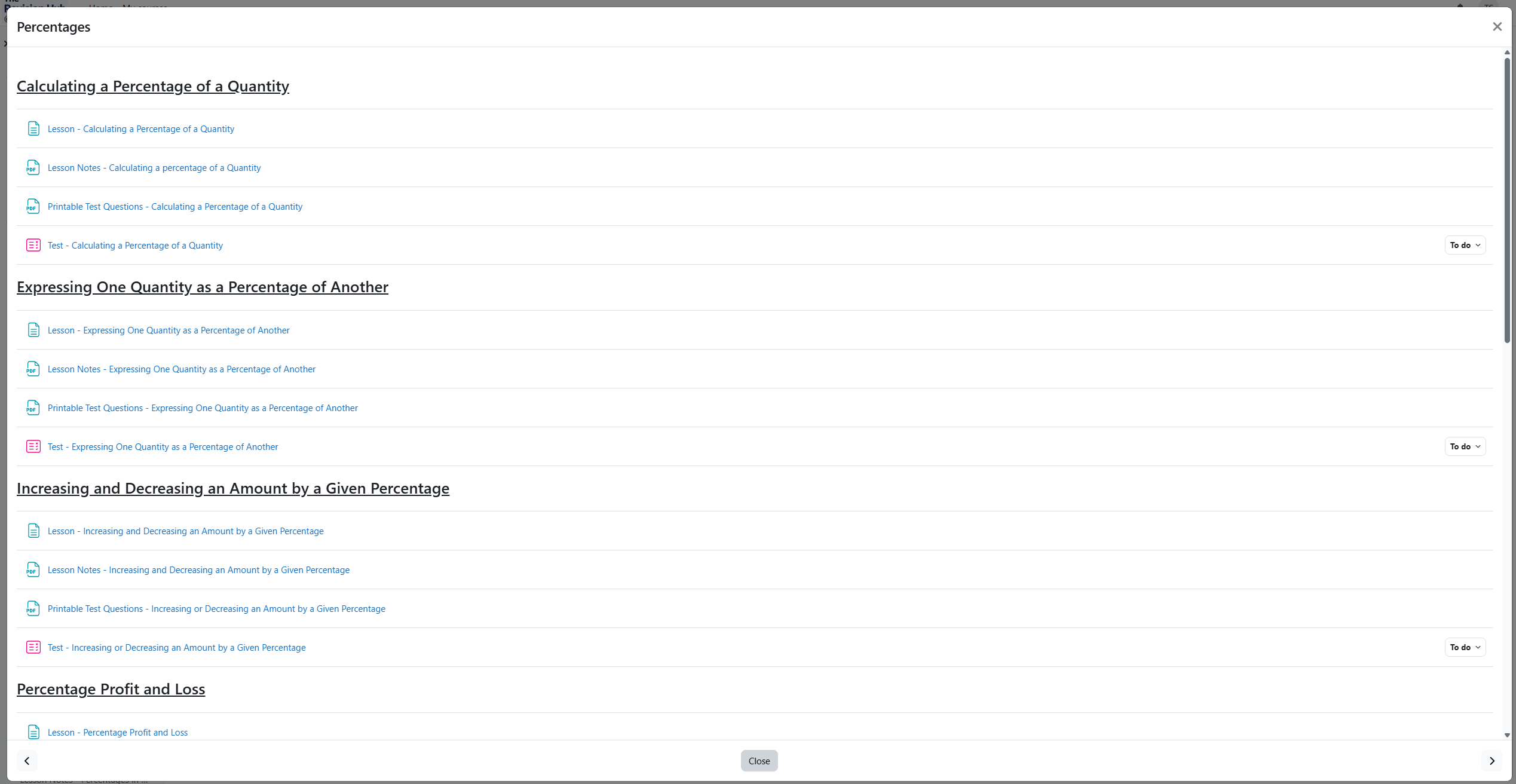
Each section of the topic has a video lesson, lesson notes, printable test questions and an online test for you to input your answers.
Clicking on the printable test questions will open a file in the PDF format with the same questions that appear in the interactive test on this site.
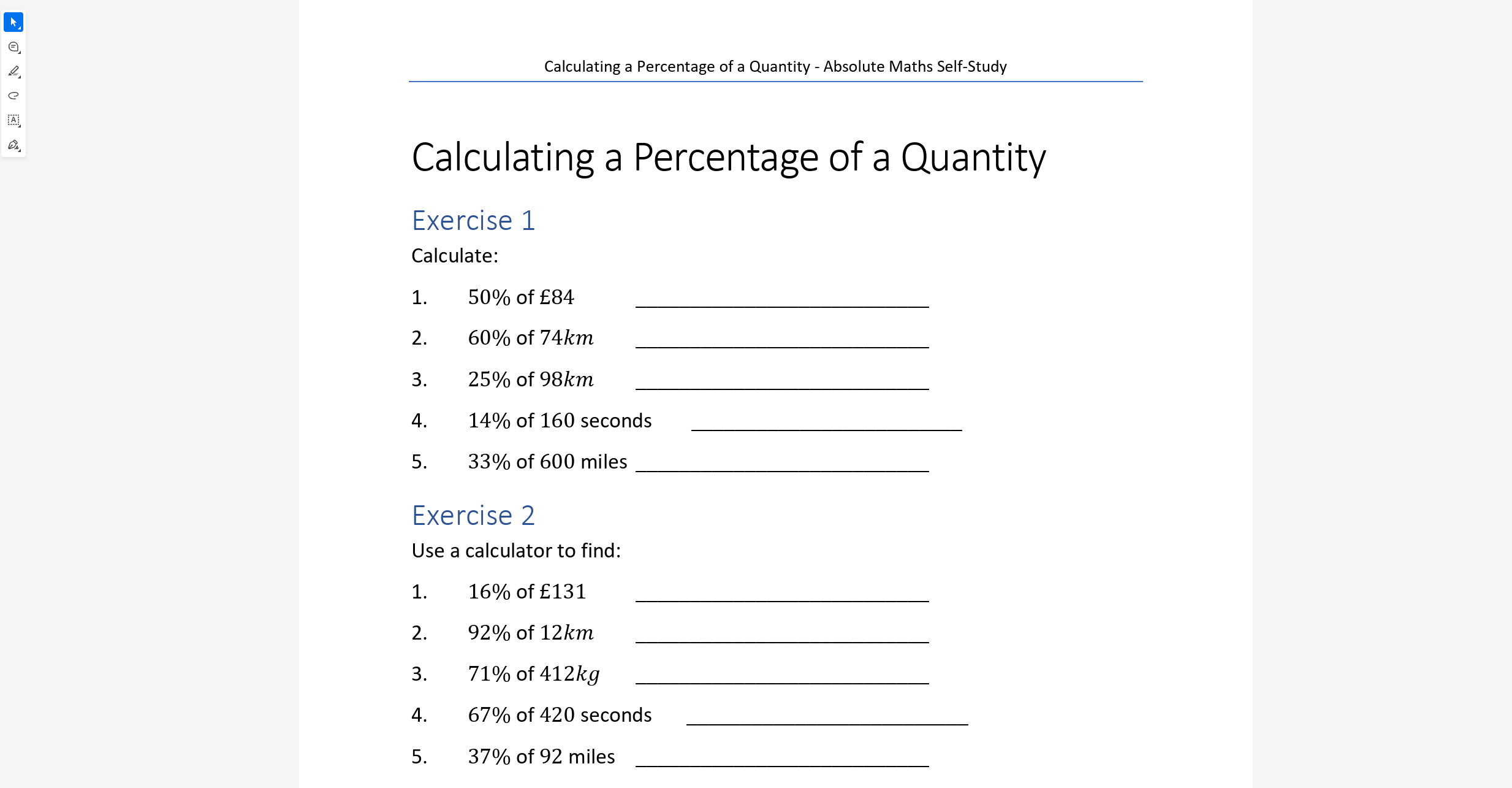
This enables you to answer the questions on paper before filling your answers in online (which is how we would suggest you do this), as your exam will be on paper and this is the best method for answering these questions, especially when lots of working out is involved.
Also in each topic you can access printable lesson notes for each part of the content, with detailed examples and important information that is useful to remember.
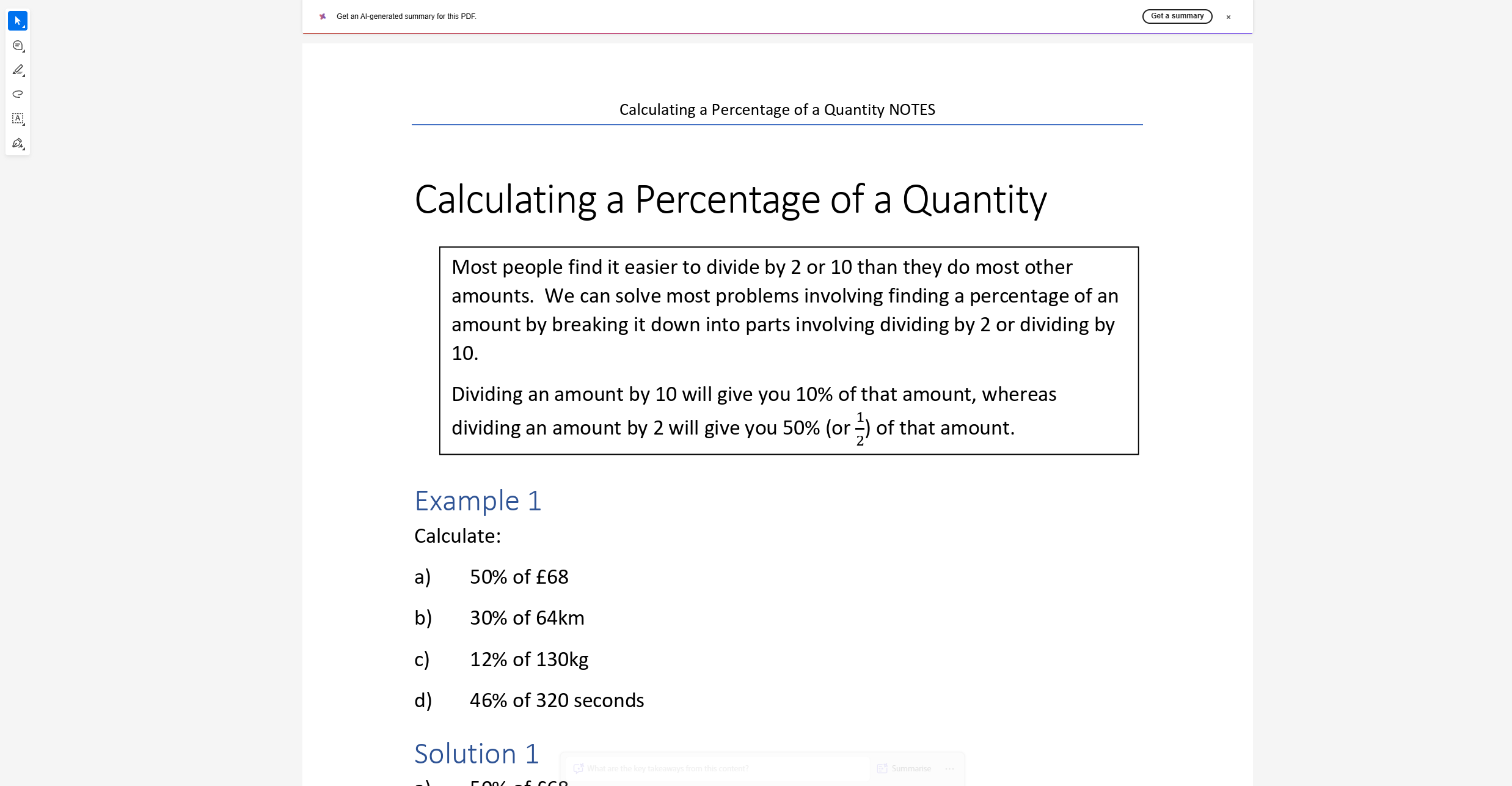
Next click here to look at the tests themselves.